On this page +
Demo guide
The County of Fortune demo is free on Steam and includes the core county-building loop: multiple settlements, production, roads, river trade and named mayors. It caps settlements at level two, but your progress carries into Early Access.
If you have never played, complete the in-game tutorial before reading the advanced guides. The tutorial’s first settlement must be placed inside one of the white circles, and you must select a starting building in the left panel before the placement will work.
What the demo includes
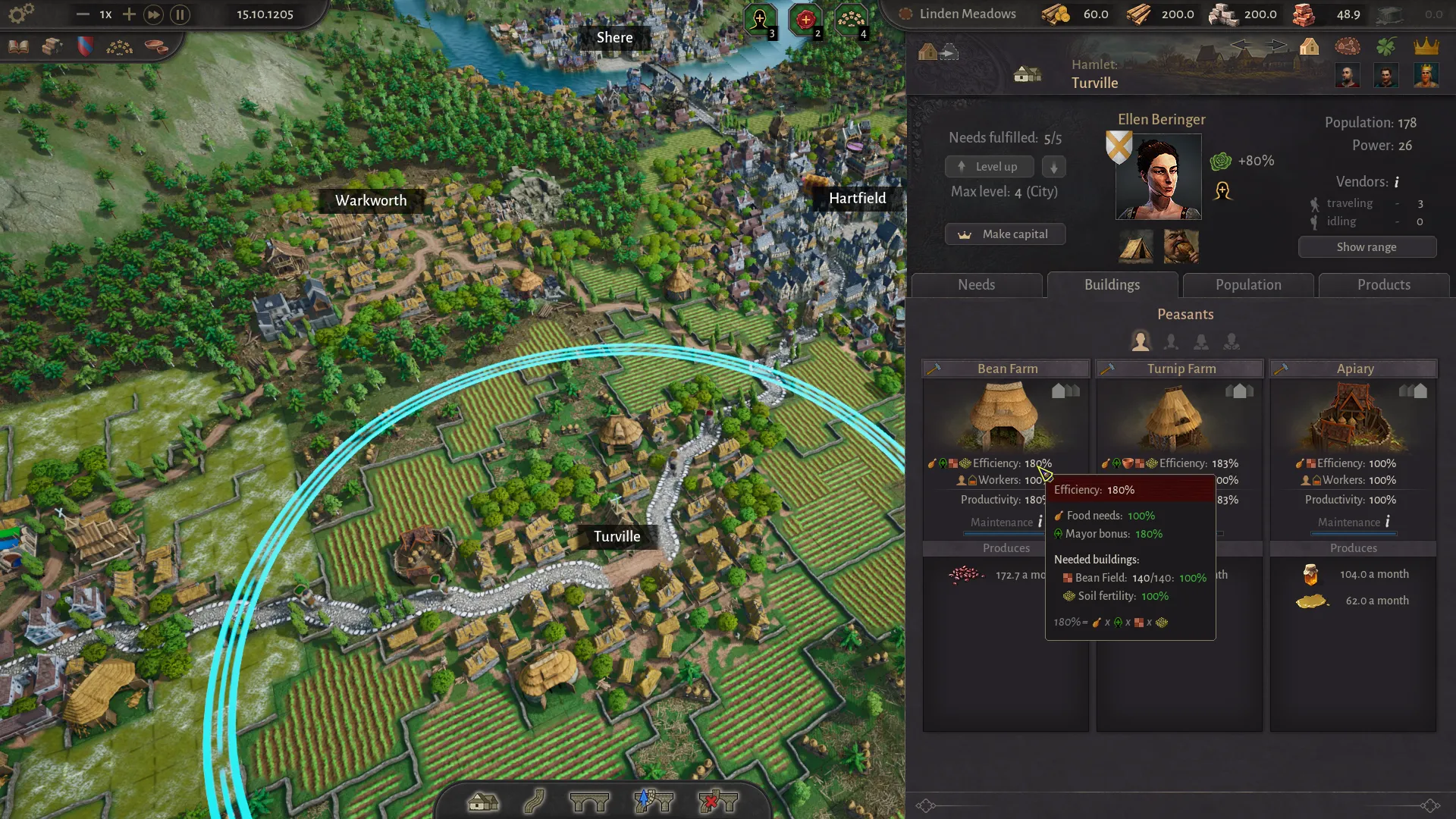
The demo is not a tiny sample. It gives you one map and the full opening arc of a county: founding settlements, connecting them with roads, producing food and equipment, appointing mayors, trading between regions and reaching level-two settlements with the Commoner class.
- One map with multiple regions and terrain types.
- A guided tutorial for the first settlement and basic camera controls.
- Settlement level 1–2, including the Commoner social class.
- Core production: farms, logging, stone, clay, workshops, guilds, markets and raft ports.
- Mayors with production bonuses, plus noble-house influence and elections.
- The Assembly and regional privileges in the October 2026 build.
- Reworked cultures with Traditional Products and renown.
- Save carry-over into Early Access.
How to download the demo
- Open the County of Fortune Demo page on Steam.
- Select Download or Play Game. The demo is a separate app from the main game.
- If the button does not work, open Steam, search for “County of Fortune Demo” and install it from your library.
- Launch the demo, complete the tutorial and create your first county.
The demo requires the Steam client. There is no standalone download or console version. For hardware, the demo uses the same minimum specs as the full game: an Intel i3, 3 GB RAM and a GeForce 770 / R9 290 or equivalent.
Demo vs Early Access
| Feature | Demo | Early Access |
|---|---|---|
| Settlement level | Level 2 | Level 4 (City) |
| Social classes | Peasant, Commoner | Peasant, Commoner, Artisan, Patrician |
| Buildings | Opening set | 40+ additional production buildings |
| Products | Opening set | 50+ additional products |
| River trade | Raft ports, downstream only | Ports and sailboats, both directions |
| Maps | One demo map | More maps and regions expected |
| Save carry-over | Yes, into Early Access | Planned to continue into full release |
Your first hour in the demo
The demo’s opening is deceptively gentle. You can place a few farms and watch numbers go up, then stall because a workshop has no input or a road stops short of the market square. Here is the shortest safe route through the first hour.
1. Complete the tutorial placement
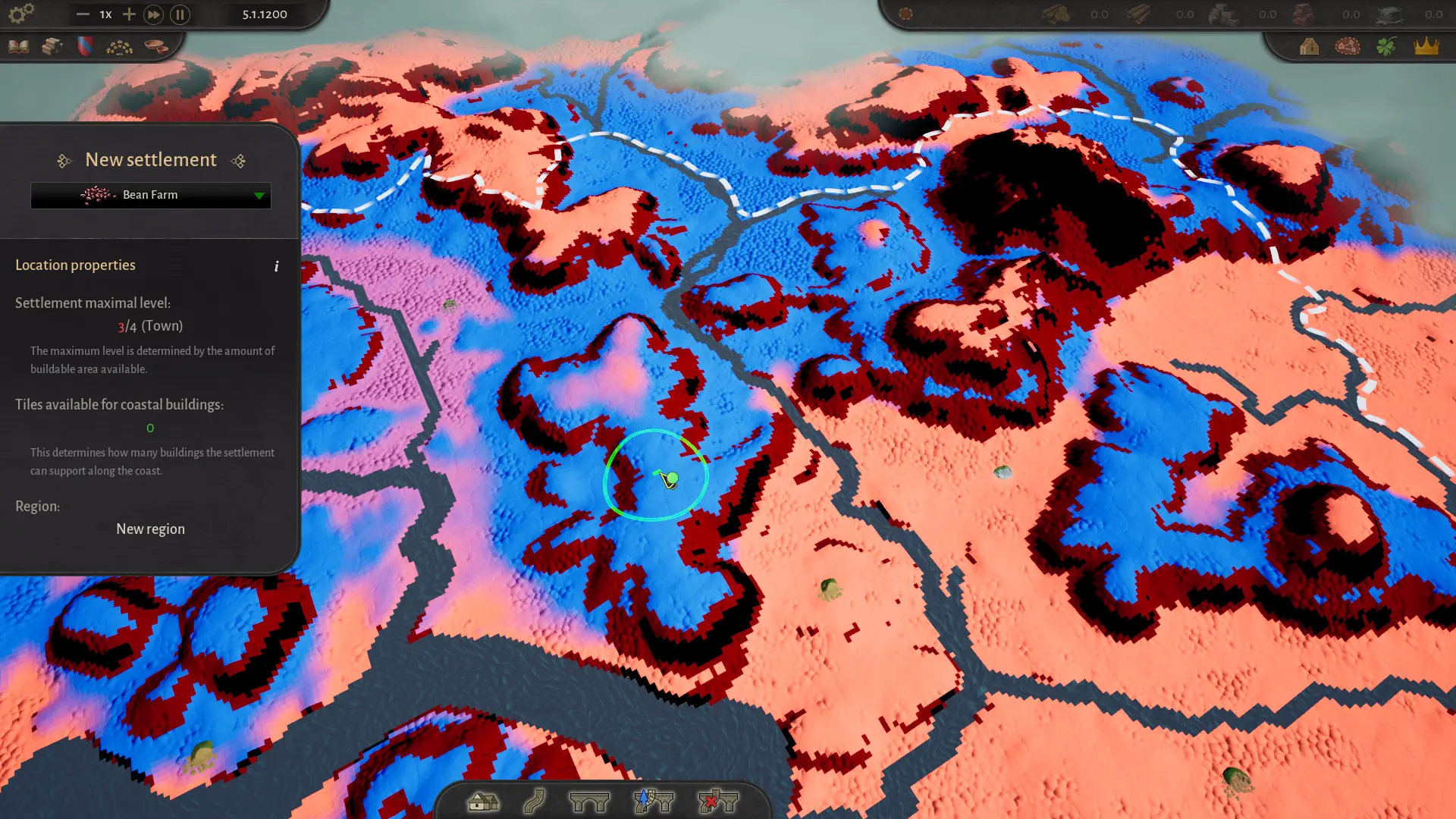
When the tutorial asks you to build the first settlement, choose a starting building from the left panel, then place it inside one of the white circles. The white circles are recommended starting locations; the blue area shows where the chosen resource is available. If the placement is red, check that you selected a building and that the site is not on stone terrain.
2. Build a small resource cluster
A reliable opening is four settlements: a food settlement, a logging camp, a carpenter’s guild and a wooden chest workshop. Connect them with roads, appoint mayors, then set the same food need in every settlement. Once the red warning icons disappear, add a second food type and wool tunics.
The full sequence is in the beginner guide. The key principle is to satisfy the whole region, not one settlement at a time.
3. Watch the roads, not the buildings
Roads must connect to the settlement’s central market square, highlighted in yellow when you hover with the road tool. A road that ends at the edge of the settlement may look connected but will not move goods. Use Shift to build diagonal roads and place bridges before crossing water.
4. Level up only when the region is stable
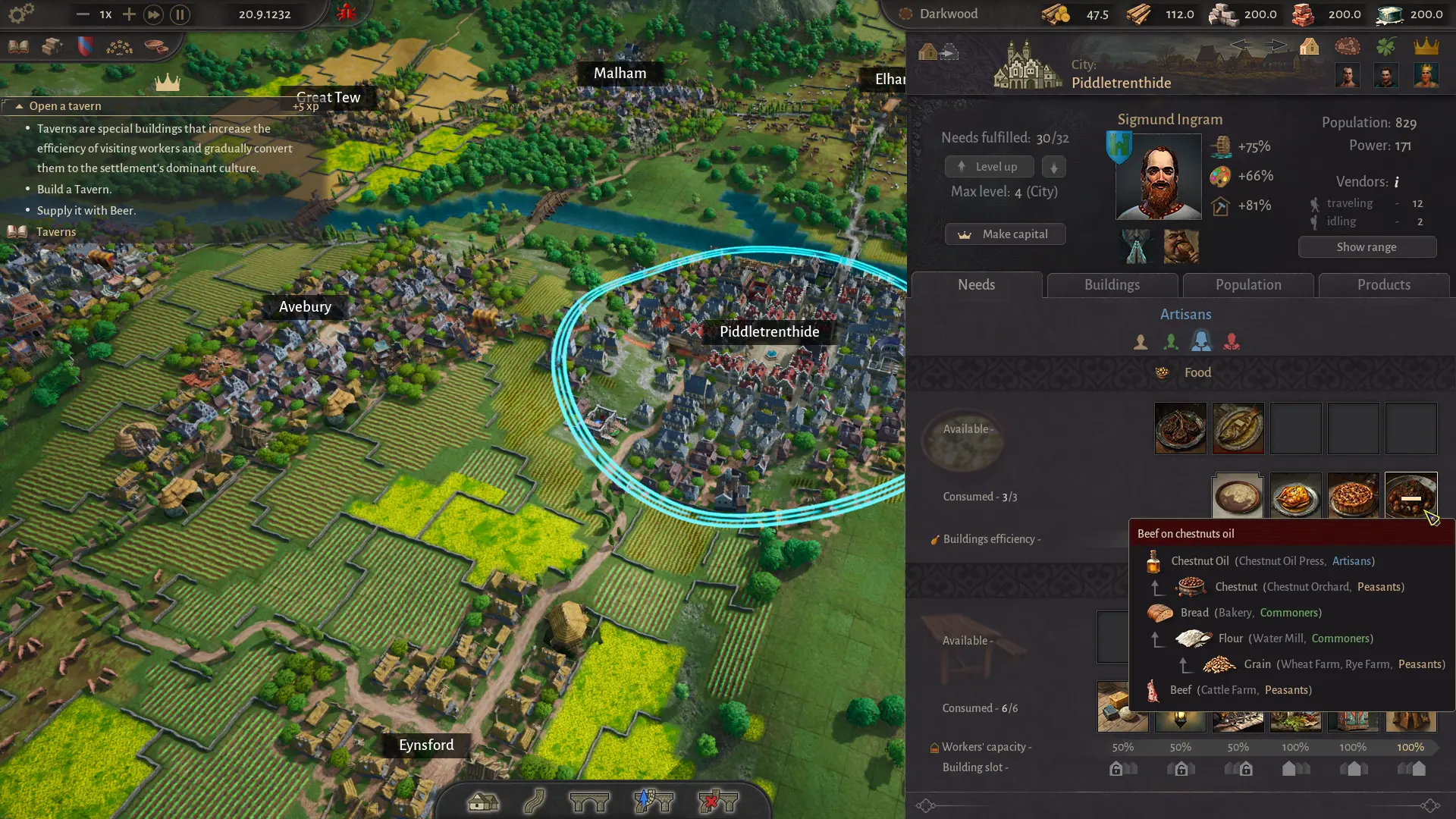
A settlement levels up when its food and equipment needs are fully met. You can also level a settlement down to level another one up, so do not treat the button as a one-way upgrade. In the demo, stop at level two and use the extra building slot for a small market or raft port.
Founding a second region before the first is stable is the most common way to stall. Each region adds mayors, trade routes and political pressure. Get one region to a stable level two first, then look for stone or a second region.
Demo limitations to expect
- Level cap: settlements stop at level two, so you cannot reach Artisans or Patricians.
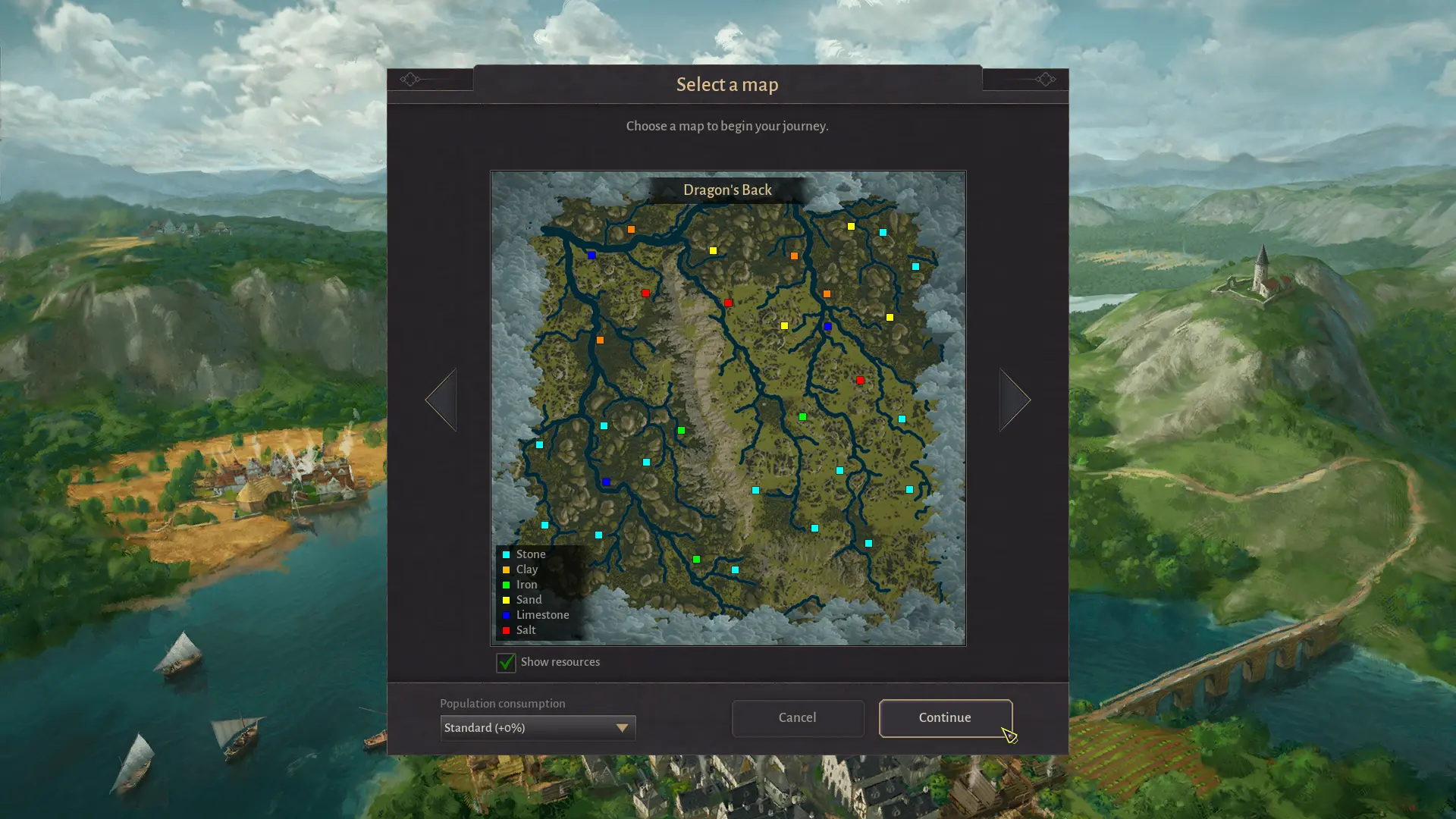
- One map: the demo map is fixed; the full game is expected to offer more.
- Downstream rafts: raft ports can only move goods downstream in the demo. Heavy goods such as logs, stone, clay and sand cannot travel by road between regions.
- Save compatibility: saves from the June Steam Next Fest demo are not compatible with the October demo. Do not expect an old demo save to load.
- Balance changes: mayors, cultures, construction points and time scale were all reworked during 2026; older videos may show outdated behaviour.
Save carry-over and launch
Demo progress carries into Early Access. The developers have not published a manual migration tool; the release build is expected to read the demo save directly. Keep the demo installed, note the save name and avoid deleting local save files until you have confirmed the county appears in the launch build.
For the exact release time and platform details, see the release date page. If you want to start with a stronger plan, read the settlements guide before your second region.
Quick answers
County of Fortune demo questions
Is the County of Fortune demo free?
Yes. The demo is a separate free app on Steam (app ID 4601050). You do not need to own the game or pre-order it to play.
How long is the demo available?
The developers plan to keep the demo online as long as possible and have not announced an end date. They have promised advance notice before it is removed.
Does demo progress carry into the full game?
Yes. Nepos Games has confirmed that demo progress carries into Early Access, whether you buy at launch or later. Keep the demo installed until you see your save in the release build.
What is the level cap in the demo?
Settlements can reach level 2 and unlock the Commoner class. Early Access raises the cap to level 4 (City), adds Artisans and Patricians, and adds ports and sailboats.
Can I play the demo on Mac or console?
The demo is listed for Windows and Linux / SteamOS through Steam. There is no macOS or console demo at the time of writing.